




News & Insights | October 10, 2026
Your Refresh Cycle Matters More Than Your Warranty
Firms track warranty expiry because it is easy to see. The age of the fleet costs more, in hours lost every week. Here is how to plan a refresh cycle instead.
By Reid McConkey
A 4-year-old workstation with an extended warranty is still slow on a 2 GB Revit model. The warranty tells you who pays for a failed part. It says nothing about the hours your people lose every week.
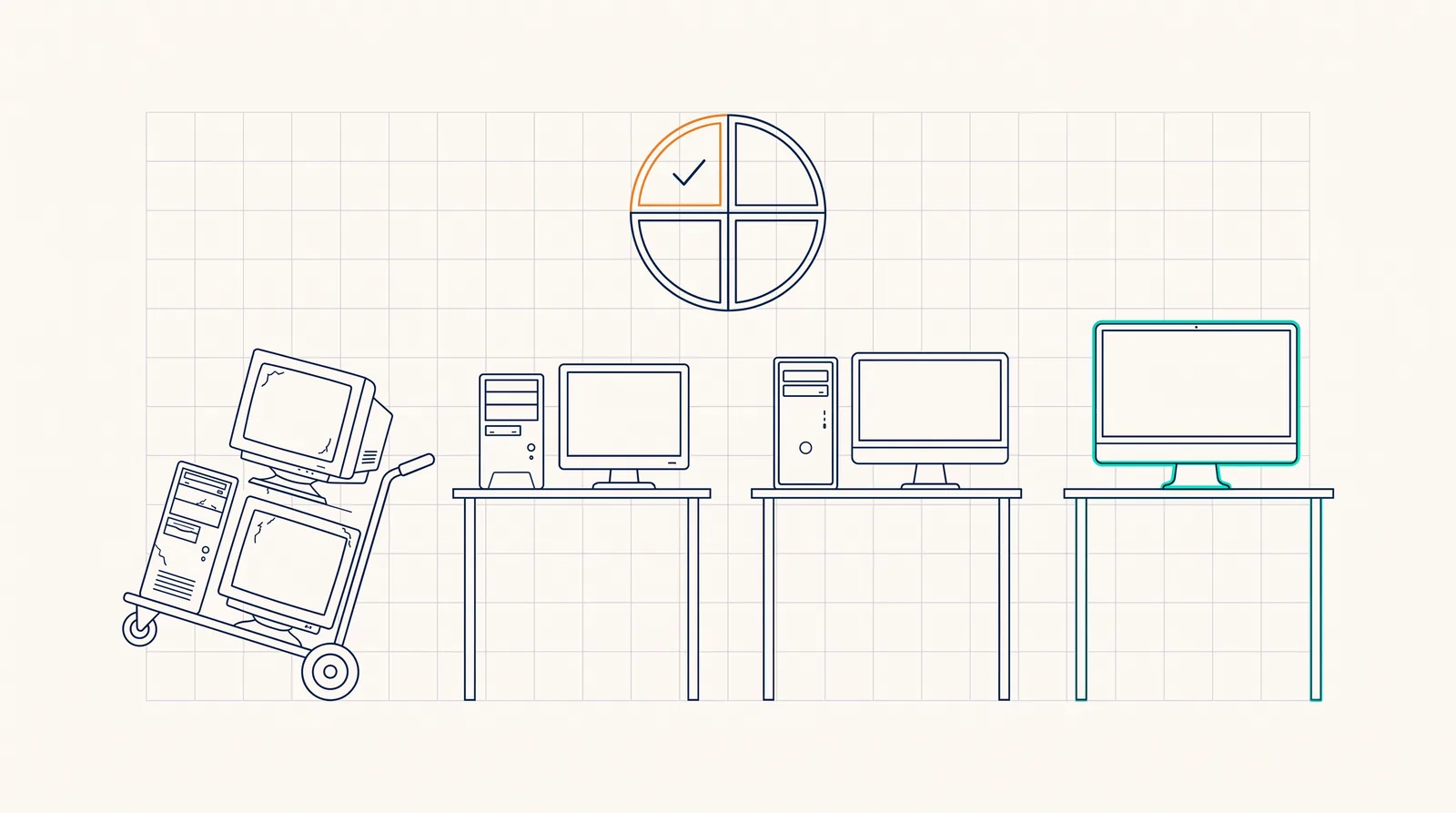
Warranty expiry is visible, so firms track it. Fleet age is the larger cost, and almost nobody tracks it. In our technology-alignment scoring, an aged fleet weighs about 3 times more than expired warranties, on purpose. A refresh cycle replaces a quarter of the fleet each year, inside the budget, and ends emergency purchases.
Most firms we meet can tell us which devices are out of warranty. The list is easy to produce. The vendor sends a reminder, and the date sits in a spreadsheet.
Far fewer firms can tell us the average age of their workstations. That number is harder to see, and it costs more.
Warranty answers the wrong question
A warranty answers one question: who pays when a part fails. That is a bounded cost. One device, one repair, one invoice.
Age answers a different question: how long your people wait. A 4-year-old workstation opens the model more slowly, syncs more slowly, and renders more slowly. Each delay is small. Multiply it by every open, every sync, and every render in a working year, and the cost is larger than any repair bill.
The person who feels this cost is usually your most expensive person. Senior staff carry the largest models.
Why we weight age 3 times more than warranty
In our technology-alignment scoring, the system we use to grade a firm’s environment in the quarterly strategy review, an aged fleet costs about 3 times the points of expired warranties. We set that weight on purpose.
An expired warranty is a risk you can price. An aged fleet is a daily cost across every seat, and it carries a security cost too. Hardware that falls behind the operating-system support window stops receiving updates. The device keeps working, and the firm stops being protected.
What a refresh cycle looks like
A refresh cycle is a plan, not a reaction. It has five parts.
- A fixed service life for each class of device. For example, 4 years for design workstations and 5 years for general laptops.
- A quarter of the fleet replaced each year. The oldest devices go first, before they fail.
- A line in the technology budget for each quarter, agreed a year ahead.
- One standard specification for each class, set once a year, so every new device is the same.
- No emergency purchases. A failed device is replaced from the plan, not from whatever the store has in stock.
The sample technology budget shows what this line looks like in a real plan.
How to start
You can start this quarter with a spreadsheet.
- List every workstation and laptop with its purchase date and the person who uses it.
- Sort the list by age.
- Decide the service life for each class of device.
- Put the oldest quarter of the fleet in next year’s budget.
- Review the list at every quarterly strategy review, and move the next quarter into the plan.
What this means for your firm
If you do not know the age of your fleet, that is the first finding, and it is a useful one. The firms that lose the most time to slow hardware are rarely the firms that spend the least on it. They are the firms that buy in a panic, one failed machine at a time.
A Strategic Technology Assessment gives you the inventory, the age profile, and a refresh plan inside a two-year budget. It is the honest place to start before the next workstation fails on a deadline.
News & Insights
All insights