
Managed IT | Client Portal
Your account, in one place.
Every Managed IT client gets the Resolved client portal: your roadmap, budget, quarterly reviews, tickets, devices, quotes, invoices, and sign-offs, built from the same data we run your service on.
What You Can Do
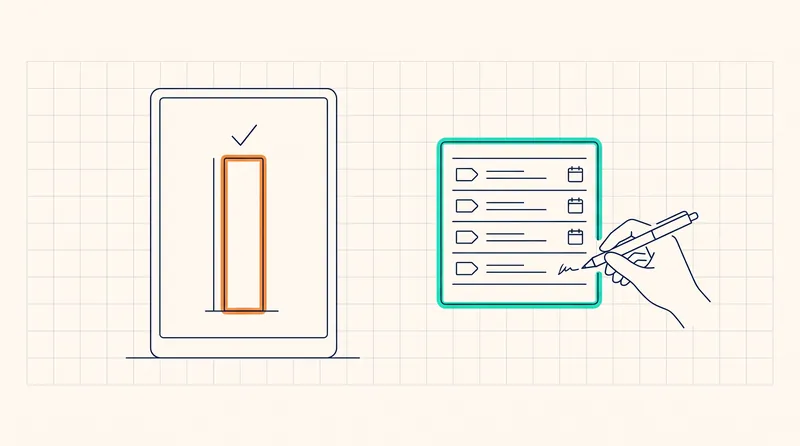
Review it, approve it, sign it. In the portal.
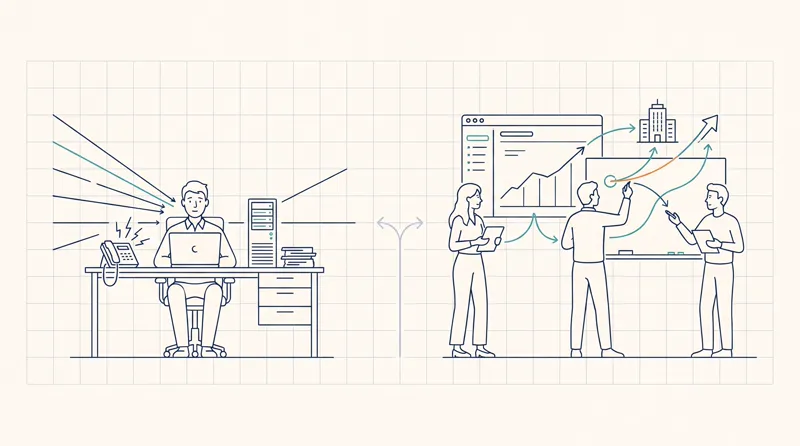
Most providers send the roadmap as a PDF and the invoice as an email, and keep the device list in a spreadsheet. We put all of it in one place, updated from live data.
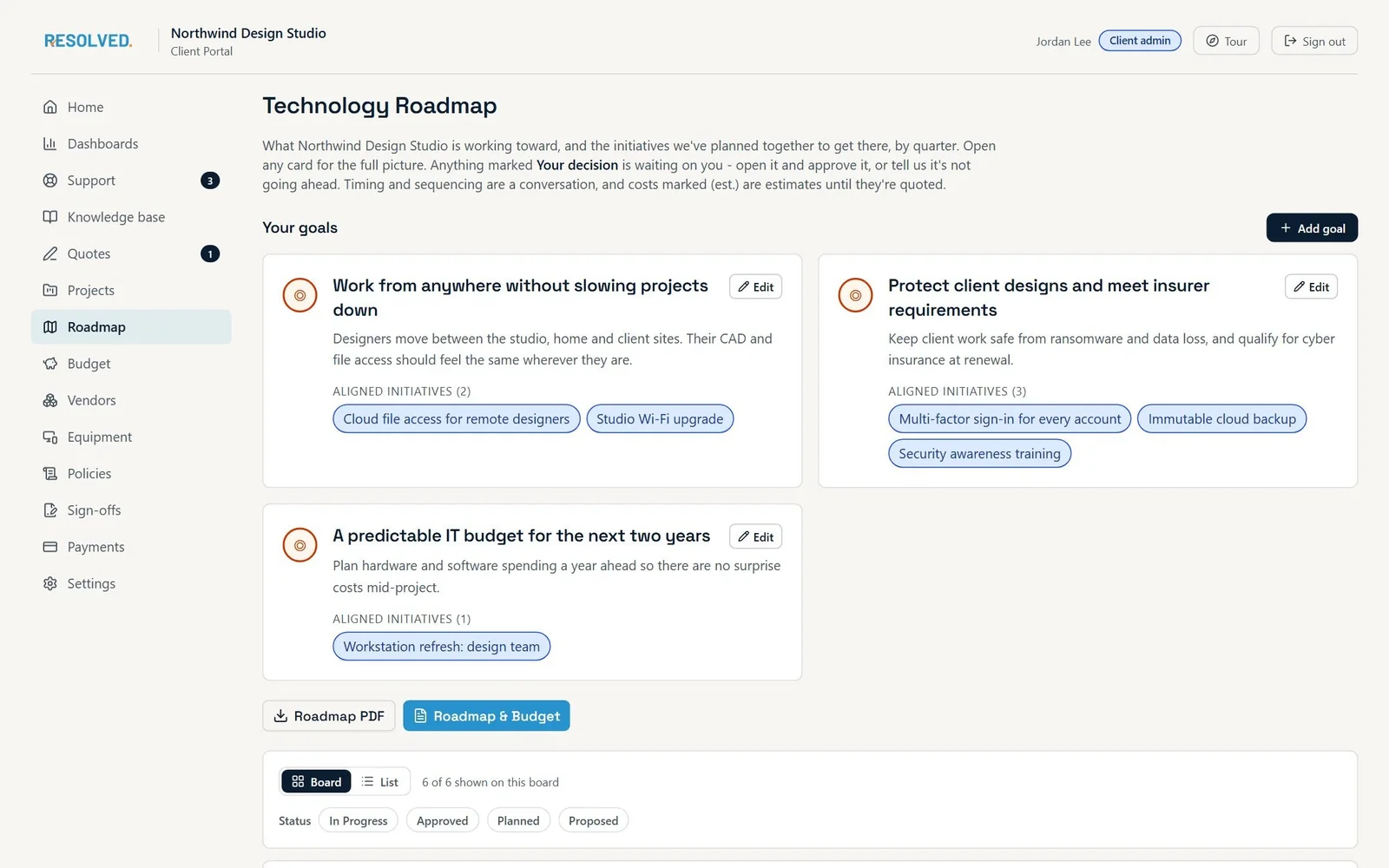
Your technology roadmap
The roadmap we build with you, kept current. See what is done, what is next, and why each item is there.
Your technology budget
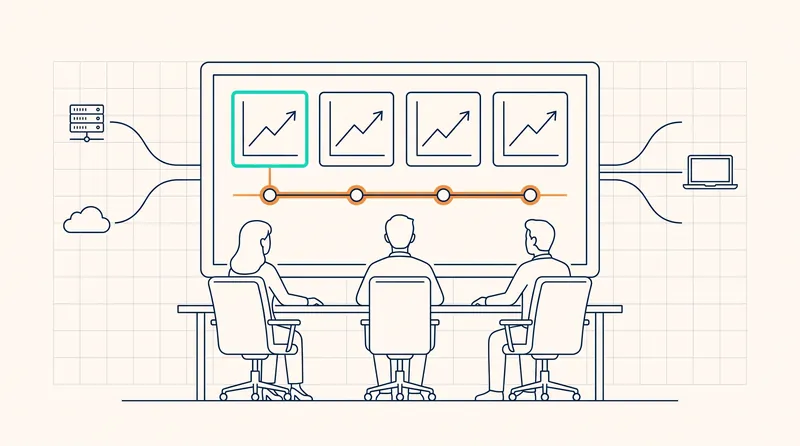
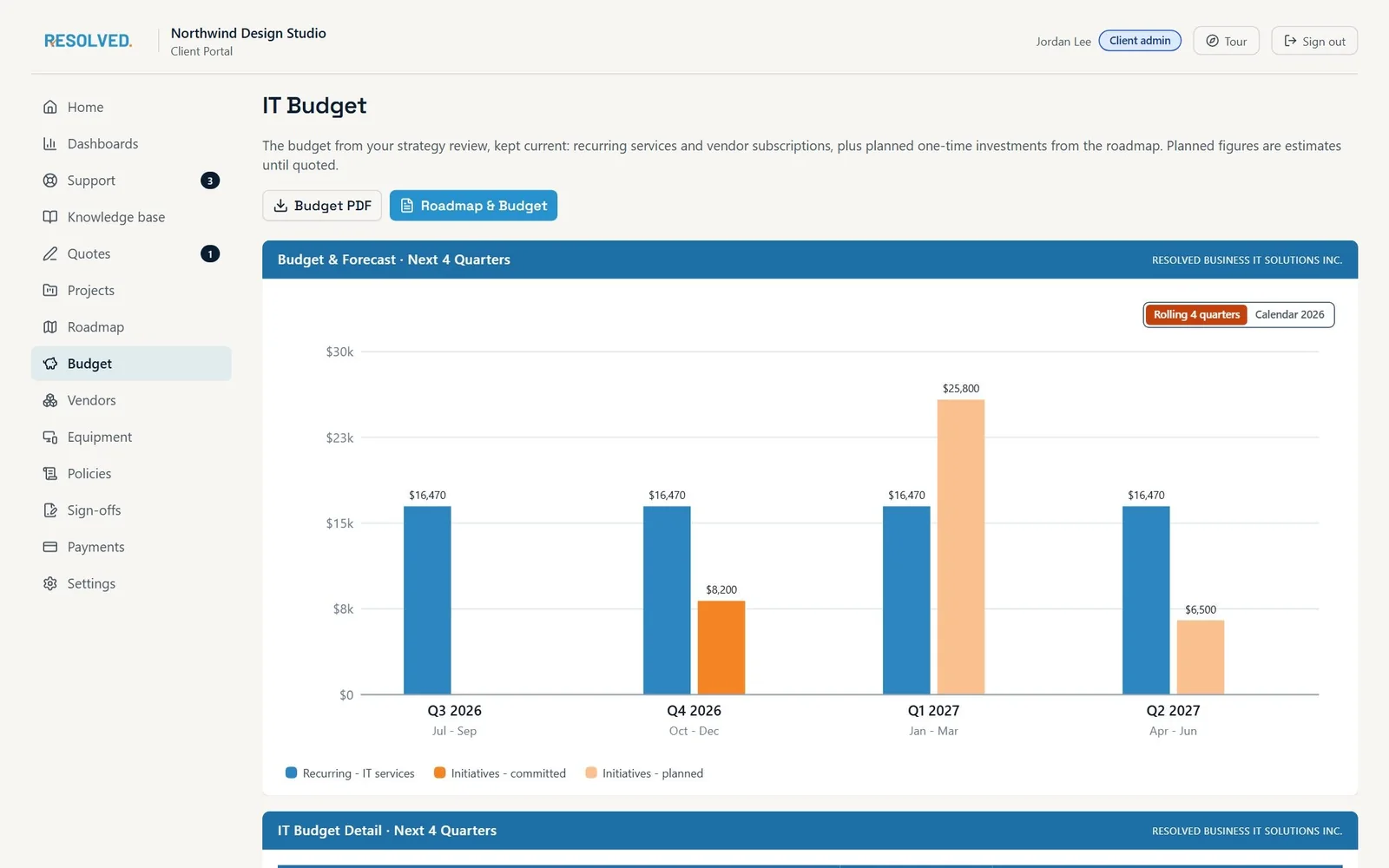
The budget and forecast behind the roadmap, by quarter. Planned spend, fixed costs, and what each item buys.
Quarterly strategy reviews
See your last review and your next one, and ask for a review when you need it. Each deck is built from your live data and shared with you by link.
Tickets and self-service
Open a ticket, follow its progress, and use self-service automation for the routine requests.
Devices and assets
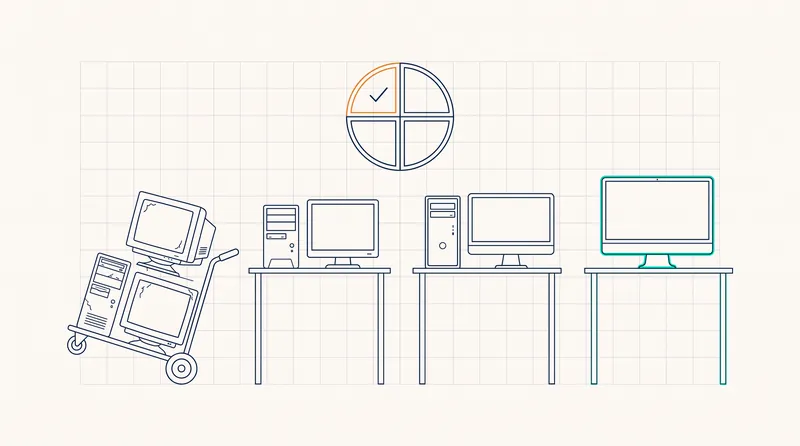
Every workstation, laptop, and server, with its age, warranty, and replacement date. Retire a device yourself.
Knowledge, projects, and vendors
Your knowledge base, the projects we are running for you, the vendors behind your technology, and the policies you have agreed.
Quotes, invoices, and payments
Sign a quote online and pay the deposit from the same link. See every invoice. Pay by card or bank debit, or send an e-Transfer with the details shown on the page.
Sign-offs on your record
Risk acceptances and backup-retention agreements are signed electronically and kept with your account.
A Look Inside
The portal, page by page
Screens from the client portal, shown with a sample firm. Your portal shows your own account.
Home
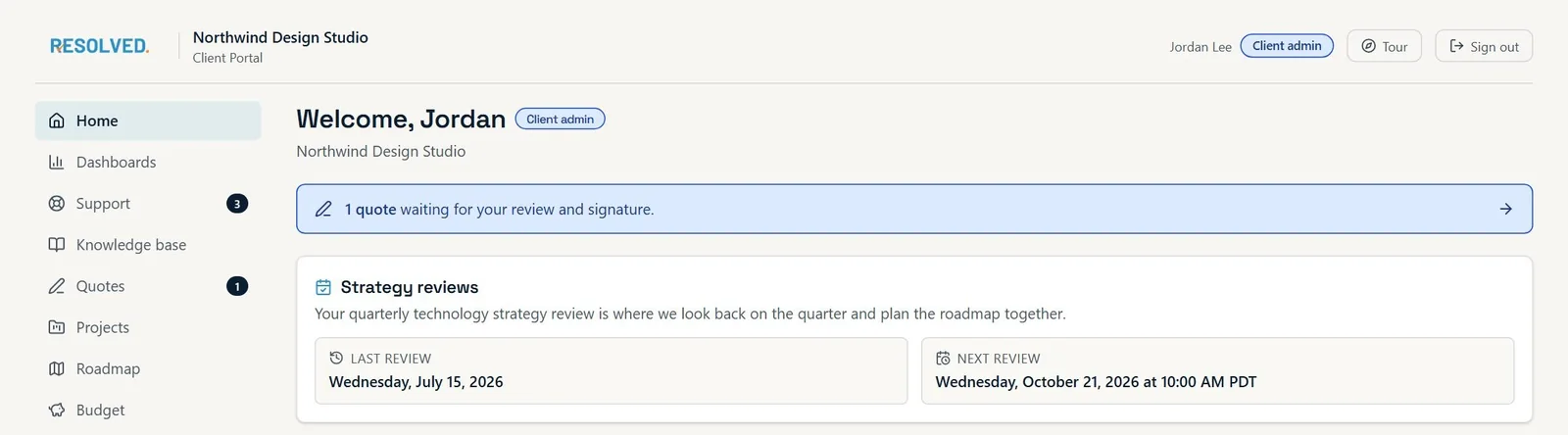
What needs you today: a quote to sign, your last and next strategy review, and open tickets.
Budget
The budget from your strategy review, kept current, with the next four quarters charted and a PDF a click away.
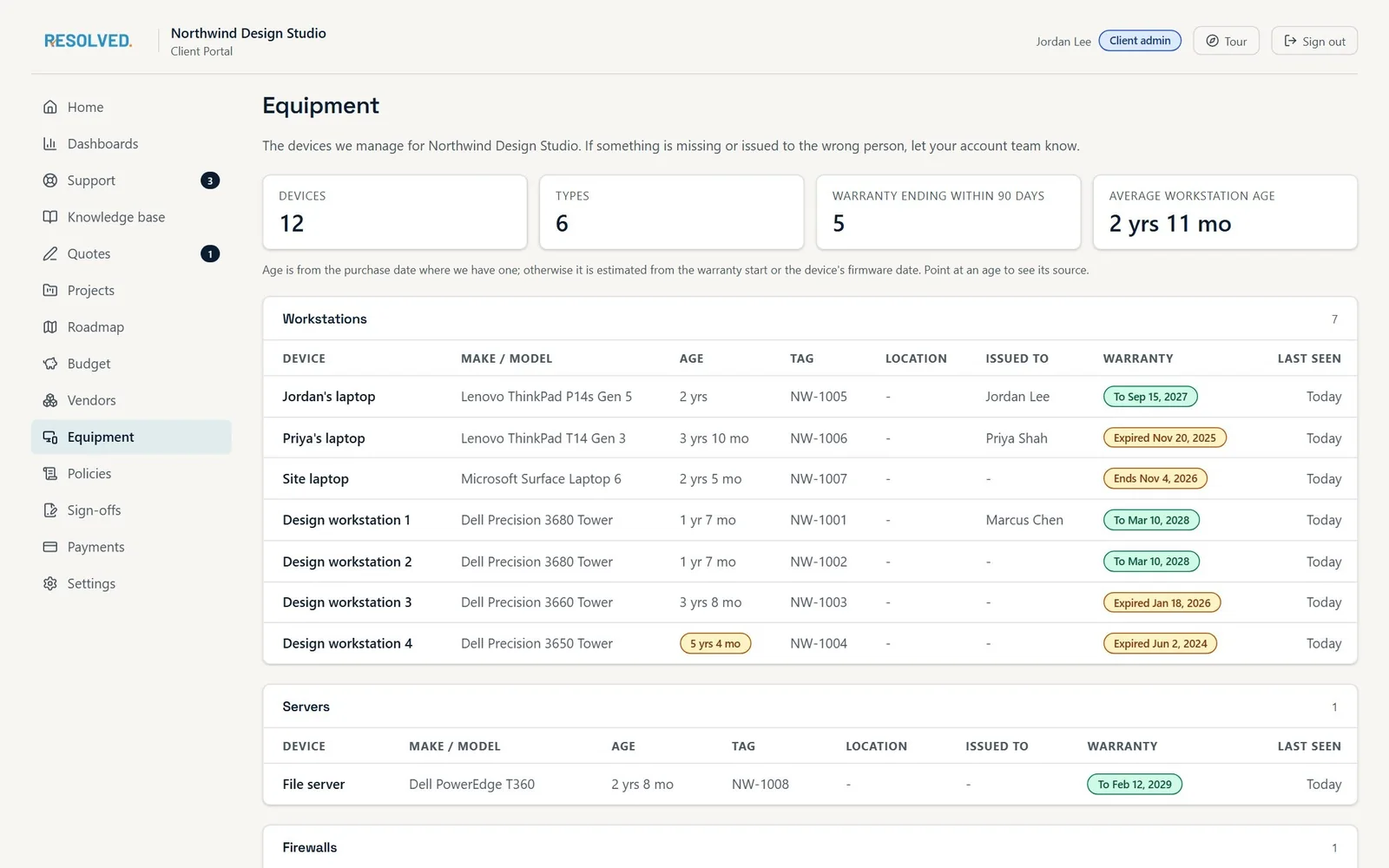
Equipment
Every device we manage for you, with its age, warranty, who it is issued to, and when it was last seen.
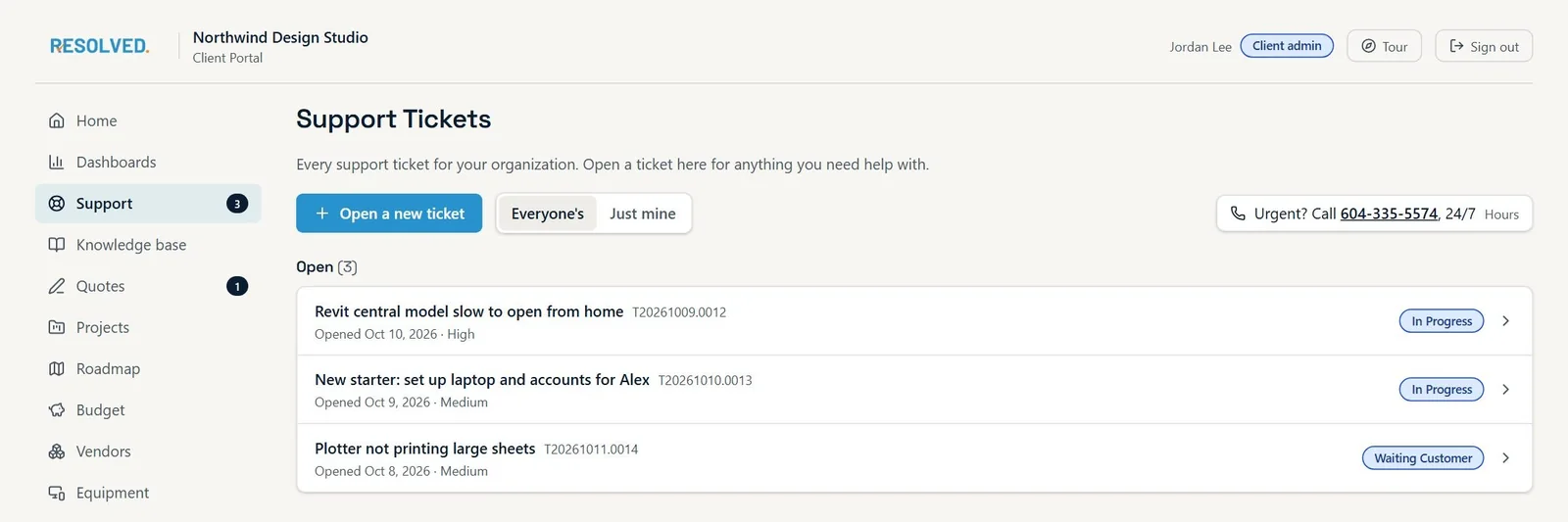
Support
Open a ticket, follow its progress, and see everything open for your organization in one list.
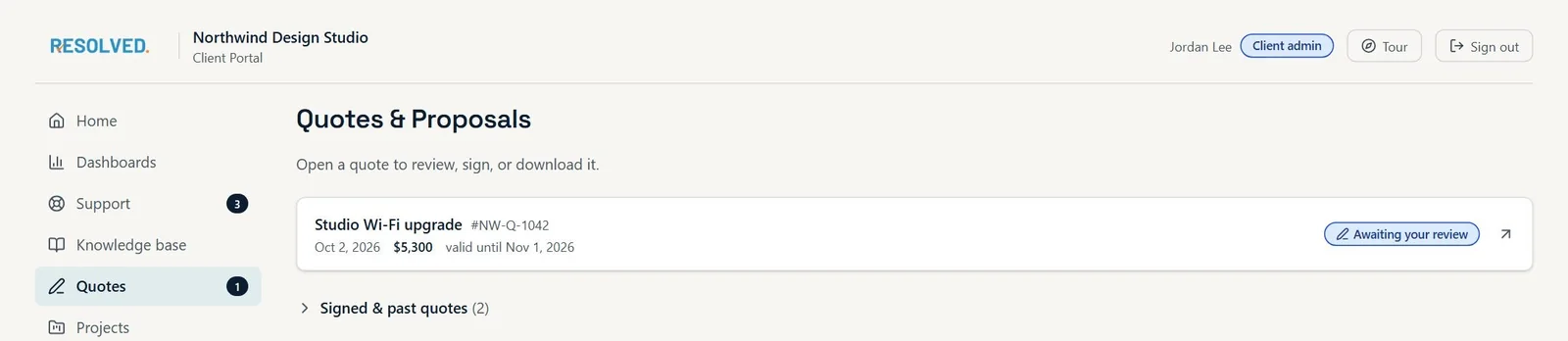
Quotes
Review, sign, and download quotes, with the deposit paid from the same page.
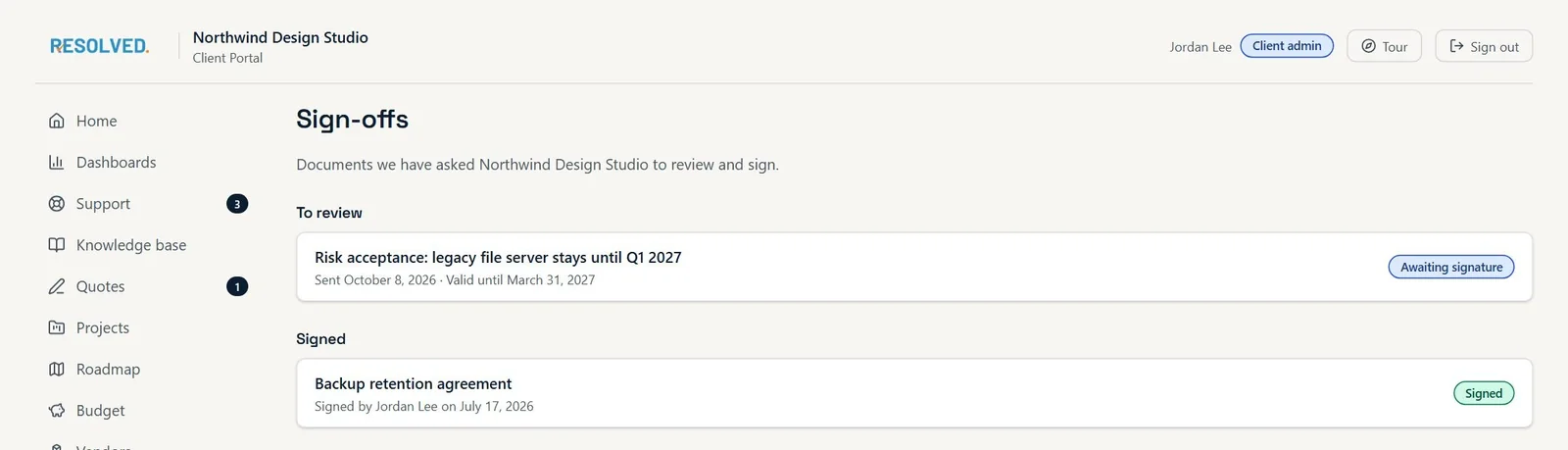
Sign-offs
Risk acceptances and retention agreements waiting for your signature, and the ones already signed.
Access
Simple to sign in, clear who sees what
Sign in your way
Use a sign-in link sent to your work email, or sign in with your Microsoft 365 account once we have linked your organization. No passwords to manage.
You decide who sees what
Your portal administrator gives and removes access, assigns roles, and adds people on your own email domains. Nobody outside your organization can be added.
Every action is logged
Sign-ins, approvals, and signatures are recorded with a name and a timestamp, so there is always a record of who did what.
Under The Hood
Built on the platform we run your service in
The portal is the client-facing part of Resolved OS, the operating platform we built and run Resolved on. Our team works in it every day. Your portal shows you your own account from the same record, so the roadmap you review is the roadmap we work from.
Nothing changes because the platform decided to on its own. A change starts with a person's decision, and every change is logged with who and when.
Learn more about Resolved OSThe People Behind It
A portal is only as good as the process behind it
What you see in the portal comes from a strategy process we run with every Managed IT client. Three people own it.
Fractional CIO
Leads strategy in your boardroom. Builds the roadmap and the budget you review in the portal, and brings senior advice to the decisions that give your firm an advantage.
Fractional CIOCustomer Success Manager
Organizes your quarterly strategy reviews, keeps the plan on track between them, and makes sure the portal reflects what was agreed.
Quarterly strategy reviewService Manager
Keeps the day to day running: response times, ticket quality, and the technicians who know your firm. The numbers you see in the portal are the numbers the service is held to.
IT SupportFAQ
Client portal questions
Who gets the client portal? +
Every Managed IT client. It is part of the plan, not an add-on. Co-Managed IT clients get it too, scoped to what we manage for you.
Do we have to use the portal to work with you? +
No. You can still phone, email, or open a ticket the way you do today. The portal is where the roadmap, budget, reviews, quotes, invoices, and sign-offs live, so most clients use it for those and call us for everything else.
Can we pay invoices through the portal? +
Yes. Pay by card or bank debit, or send an Interac e-Transfer with the details shown on the page. Card and bank details are entered on the payment provider’s secure form and never stored on our systems. Automatic payment on the due date, with a notice before and a receipt after, is coming soon.
Is our information kept separate from other clients? +
Yes. Your account is walled off by design. Access is governed by role, and every action is logged with a name and a timestamp.
Is the client portal the same thing as Resolved OS? +
The portal is the part of Resolved OS built for you. Resolved OS is the platform our team runs your service in. The portal shows you your own account from the same data, so what you see matches what we work from.
Next Step
Put a two-year plan behind your IT spend
Most firms buy technology one urgent decision at a time, with no plan behind the spend. A Strategic Technology Assessment fixes that: where your firm is today, where you want to go, and a two-year roadmap and IT budget to get there, quarter by quarter.
No obligation, and you do not have to switch providers to get the assessment. Deliverables yours to keep.
Want to see the deliverables first? See a real roadmap and budget
- Engagement
- 4-6 weeks
- Starts with
- A free 30-minute call
- You keep
- All four deliverables
- If you proceed
- Credited toward onboarding