



Managed IT | Microsoft 365
Microsoft 365 organized around how your firm actually works
Most firms run Microsoft 365 the way it shipped: messy, half-secured, and overpaid for. We shape your tenant around project work, secure identity and project data, and right-size every license so you stop paying for seats and features you never use.
A tenant that fits your firm, secured and right-sized
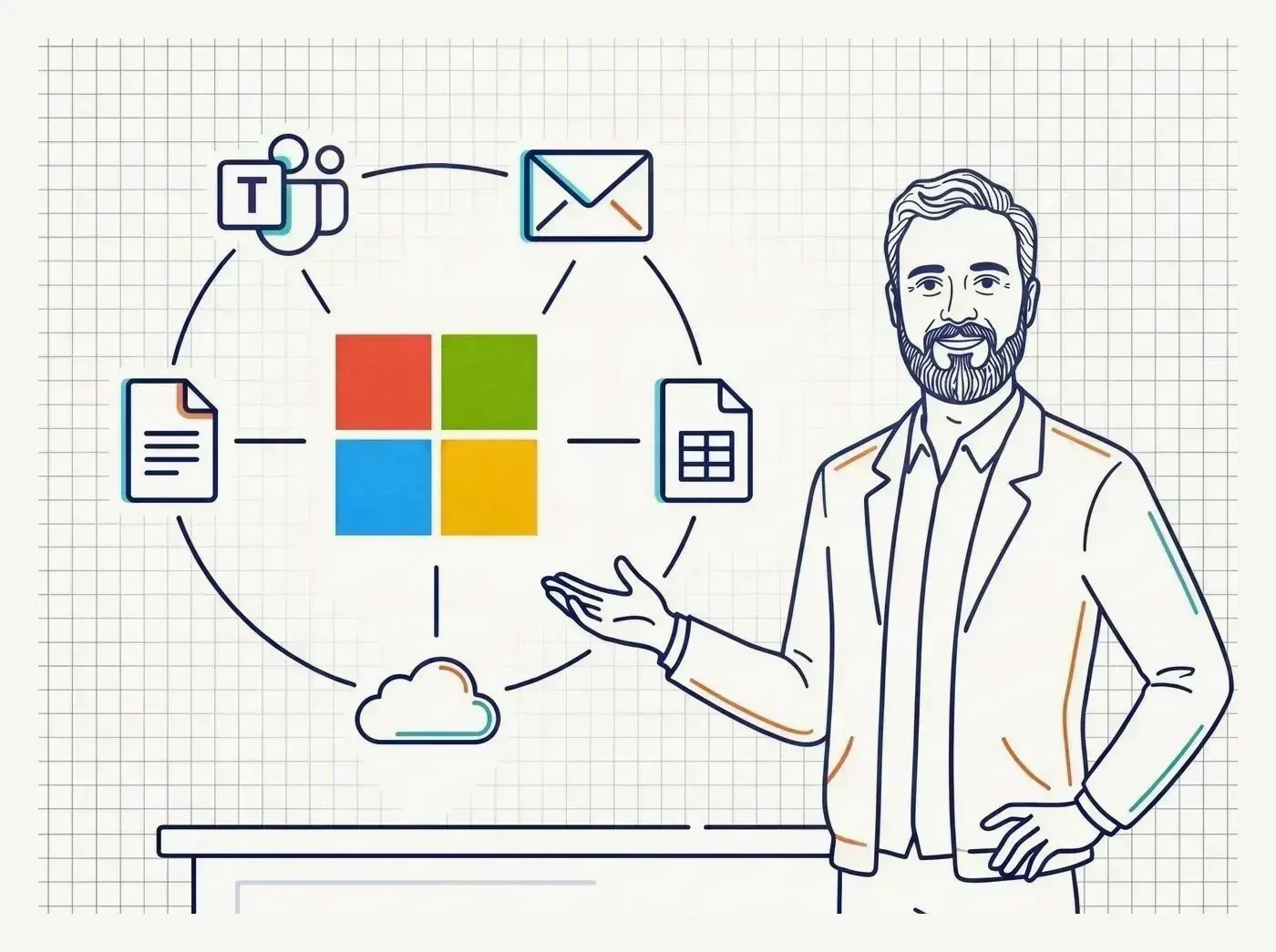
Microsoft 365 is where your firm already lives: email, files, meetings, and identity all in one place. Done well, it is secure, organized around projects, and costs exactly what it should. Left on its defaults, it drifts into duplicate project sites, optional sign-in, and a license bill no one has questioned in years.
Organized around projects
Teams, SharePoint, and OneDrive structured the way your firm runs work, so a project's files, chat, and approvals live in one predictable place instead of scattered across personal drives and email threads.
Secured by default
Multi-factor authentication, conditional access, and data protection set as the baseline, so your project IP and client data are guarded without designers fighting the controls every day.
Right-sized licensing
We map who actually needs what and match licenses to real use, so you stop paying for premium seats, idle accounts, and overlapping add-ons you forgot you bought.
Ready for Copilot
A clean, well-permissioned tenant is the prerequisite for Microsoft Copilot. We get the foundation right first, so AI surfaces the right project files to the people who are supposed to see them.
Sound Familiar?
Does your Microsoft 365 feel more like a mess than a system?
Most firms grew into Microsoft 365 one license and one workaround at a time. Here is where that usually shows up.
Files scattered everywhere
Project documents live half in OneDrive, half in email attachments, and half in a SharePoint site someone set up two years ago. Nobody is sure which copy of the drawing set is current.
Sign-in is still wide open
Multi-factor authentication is missing or optional, old staff accounts are still active, and a single phished password could hand an attacker your project IP and your email.
Teams and SharePoint sprawl
Dozens of Teams and sites with overlapping names, no naming convention, and abandoned channels. New hires cannot find anything and old projects never get archived.
Paying for seats you do not use
Premium licenses assigned to everyone whether they need them or not, dormant accounts still billing monthly, and add-ons that duplicate features you already pay for.
No retention or data protection plan
Nothing governs how long email and project files are kept, departing employees can walk out with client data, and you could not produce a clean project record if a job ended in a payment dispute or a design liability claim.
Copilot is off the table
You would like to put Microsoft Copilot in front of your team, but with permissions this loose, AI would expose files to people who should never see them. The tenant is not ready.
The Resolved Difference
What you get with Microsoft 365
We assess what you have, fix what is loose, and shape the tenant around how firms actually deliver projects, then keep it that way.
Tenant assessment and cleanup
A clear picture of your current Microsoft 365: duplicate sites, dormant accounts, security gaps, and wasted spend, with a prioritized plan to put it right.
Project-structured Teams and SharePoint
Teams, SharePoint, and OneDrive structured around your project lifecycle, with naming conventions and permissions so files are easy to find and properly access-controlled.
Identity and access with Entra ID
Multi-factor authentication and conditional access through Entra ID, plus clean onboarding and offboarding, so people get access on day one and lose it the day they leave.
Security and compliance baseline
Data protection, retention windows, sharing limits, and email security configured to a defined baseline, so client IP stays guarded and your audit trail holds up.
Right-sized licensing
License plans matched to real roles and usage, with idle seats and redundant add-ons removed, so your Microsoft bill reflects what your firm actually needs.
Copilot readiness
The permissions, data hygiene, and governance groundwork to adopt Microsoft Copilot knowing it will surface the right project files to the right people, and only them.
In Their Words
What clients say
Their response times to problems are always lightning quick. They are knowledgeable when it comes to troubleshooting and always suggest ways to improve security and management on the IT side.
Stiles | Operations
Resolved has been an outstanding partner. What truly sets them apart is their commitment to going above and beyond to make sure our needs are met and issues are resolved efficiently. Reid's leadership and expertise have made a meaningful impact on our firm.
Shezmin Jiwa | Principal
Kirsten Reite Architecture
Great service. They were quick and professional, and they even adjusted their work schedule to fit our operating hours. They helped with issues that came up after the work was done. Matt and his techs even spent five hours on the phone with me to resolve them. Highly recommended.
Lee | President
FAQ
Microsoft 365 questions
Can you organize our Teams and SharePoint so files are easier to find? +
Yes. We structure Teams, SharePoint, and OneDrive around your project lifecycle with naming conventions and permissions, so a project's files, chat, and approvals live in one predictable place instead of scattered across personal drives and email threads.
How do you secure our Microsoft 365 tenant? +
We set multi-factor authentication and conditional access through Entra ID as the baseline, along with data protection, retention windows, sharing limits, and email security, plus clean onboarding and offboarding so people get access on day one and lose it the day they leave.
We think we're overpaying for Microsoft 365 licenses. Can you check? +
Yes. We map who actually needs what and match license plans to real roles and usage, removing idle seats, dormant accounts, and redundant add-ons, so your Microsoft bill reflects what your firm actually needs.
What do we need to do before adopting Microsoft Copilot? +
A clean, well-permissioned tenant is the prerequisite. We get the permissions, data hygiene, and governance groundwork right first, so Copilot surfaces the right project files to the right people, and only them.
Where do you start with a messy Microsoft 365 environment? +
We start with a tenant assessment and cleanup: a clear picture of duplicate sites, dormant accounts, security gaps, and wasted spend, with a prioritized plan to put it right, then we shape the tenant around how your firm delivers projects and keep it that way.
Trusted by firms like yours



Next Step
Put a two-year plan behind your IT spend
Most firms buy technology one urgent decision at a time, with no plan behind the spend. A Strategic Technology Assessment fixes that: where your firm is today, where you want to go, and a two-year roadmap and IT budget to get there, quarter by quarter.
No obligation, and you do not have to switch providers to get the assessment. Deliverables yours to keep.
Want to see the deliverables first? See a real roadmap and budget
- Engagement
- 4-6 weeks
- Starts with
- A free 30-minute call
- You keep
- All four deliverables
- If you proceed
- Credited toward onboarding